Smart Rule-Based Routing
Clash automatically routes traffic by domain, IP, and GeoIP: local/trusted sites connect directly, overseas services go through the proxy, and ad domains get blocked outright.
A free, open-source cross-platform proxy client with a built-in rule-based routing engine — local/trusted traffic stays direct while specific sites or services route through a proxy. Compatible with Shadowsocks, VMess, Trojan, and other mainstream protocols, with one-click subscription import so even beginners can get set up in three minutes.

Not just a "proxy switch" — a complete traffic routing solution.
Clash automatically routes traffic by domain, IP, and GeoIP: local/trusted sites connect directly, overseas services go through the proxy, and ad domains get blocked outright.
Shadowsocks, VMess, VLESS, Trojan, WireGuard, and other mainstream protocols are all supported — switch providers without switching clients.
The core is written in Go — low memory footprint, strong concurrency, handling long uptimes and full gigabit speeds with ease.
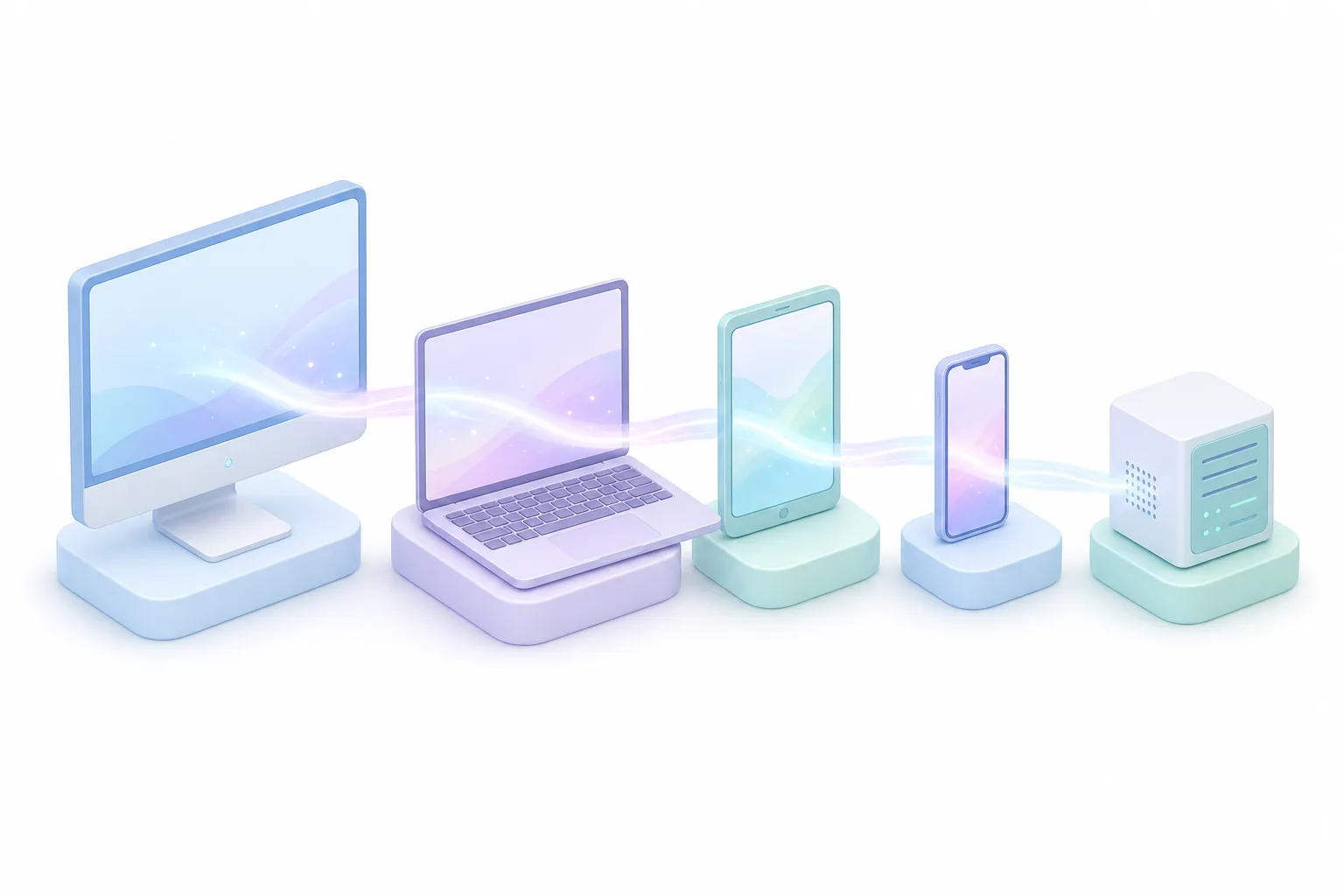
Official recommended clients for Windows, macOS, Android, iOS, and Linux — one subscription, synced across every device.
url-test automatically picks the fastest node, fallback instantly switches to a backup line if one fails, and load-balance spreads traffic during peak hours.
All source code is hosted on GitHub under an open-source license — no backdoors, no telemetry, and never any charge.

Write the rules once, and Clash Client handles the rest — matching every connection locally in real time. No manual switching needed, so local video and overseas sites can run side by side.
Clash Client supports Windows, macOS, Android, iOS, and Linux — installers hosted directly on clashkehuduan.com, no sign-up or login required.
Just follow along — and if you get stuck, the full illustrated tutorial has you covered.
Pick your OS above, download the installer, and complete setup — takes about a minute.
Copy the subscription URL from your provider, paste it into the "Profiles" page, and the nodes load automatically.
Turn on the "System Proxy" switch, select Rule mode, and refresh your browser to get online.
A free, open-source, cross-platform rule-based proxy client built on the Mihomo (formerly Clash.Meta) core. It supports Windows, macOS, Android, iOS, and Linux, and automatically manages nodes and routing rules once you import a subscription link.
No. After importing a subscription link, the default rules work out of the box — no manual config editing required. The beginner tutorial walks through the full setup with screenshots, so most people are up and running in about ten minutes.
Clash focuses on rule-based routing and a unified config format, while supporting Shadowsocks, VMess, Trojan, and other mainstream protocols — one subscription works across all your devices. V2Ray is more of a low-level protocol implementation; Shadowrocket is an iOS-only client.
Fully open source — all code is hosted on GitHub and auditable by anyone. The core processes proxy traffic locally on your device, with no telemetry and no data upload.
The Clash core (now maintained under the Mihomo project) has every commit publicly visible. Starring the repo is the best way to support open source.
github.com/MetaCubeX/mihomo